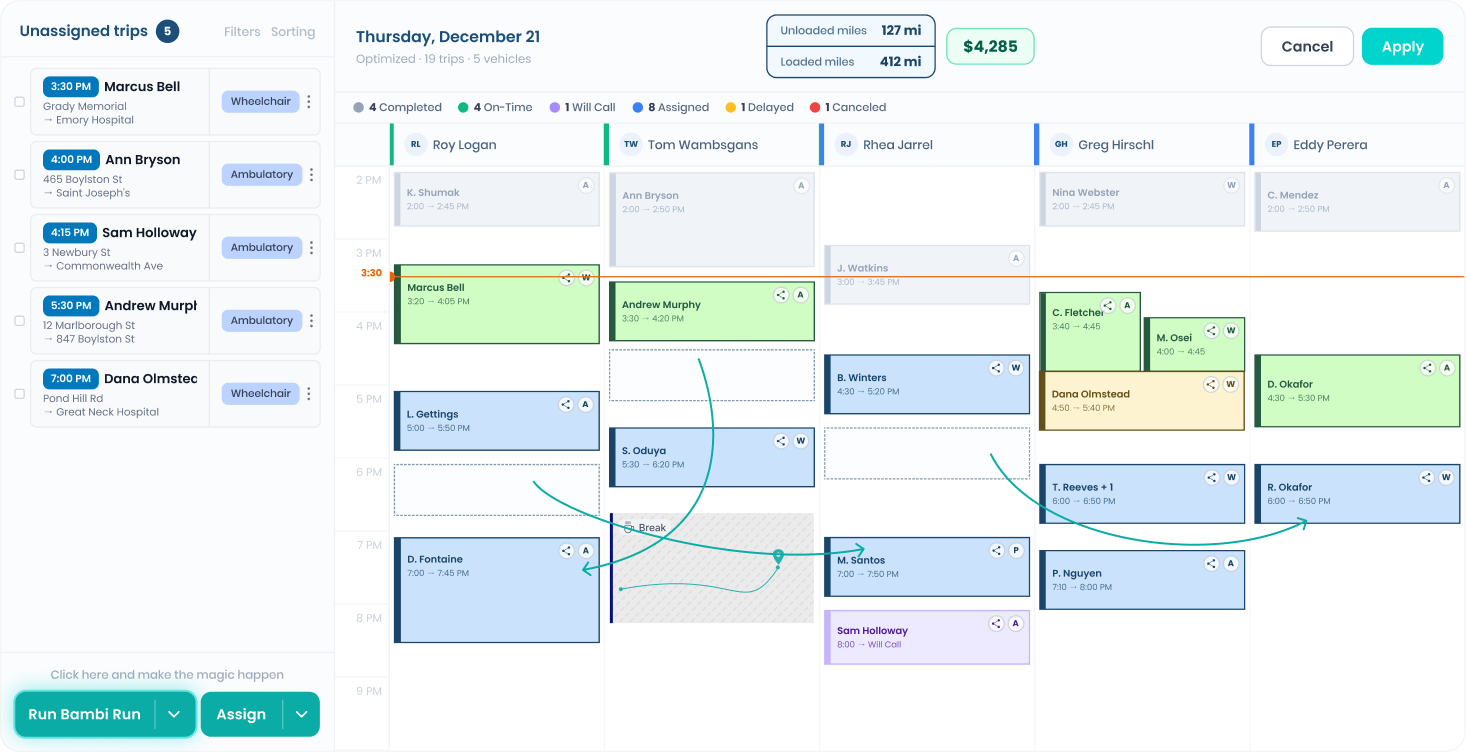

See the exact location of all your vehicles and their data in real-time.
We need some people to pay for all the hard work you and your team are doing. Let's set them up and customize their pricing schemes to optimize your operations.
Navigate on the top navigation menu to 'Payers', then create a Payer profile by tapping 'Add a Payer' in the top right
Note: Payers must have a payer profile before a pricing scheme can be assigned to them.
Note: Credit Card will require credit card number, expiration date, security code and billing address.
Note: If not specified, this payer will use organizational setting defaults. You can change things such as "Driver/Passenger Signature Settings" to be speific to only the selected payer