The job it replaces
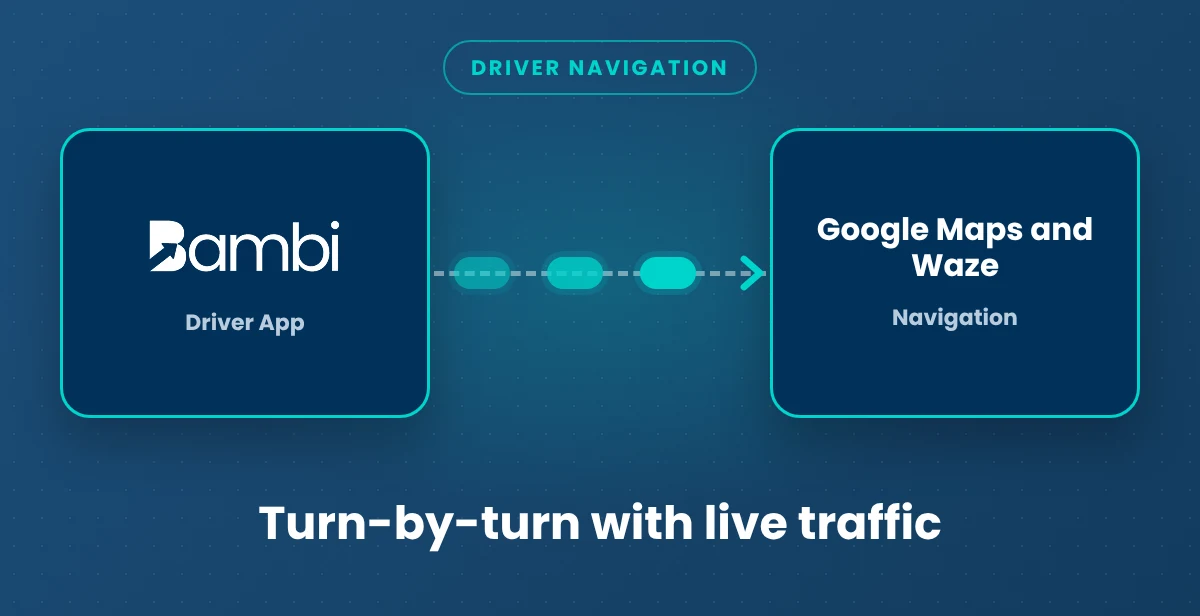
Copying addresses into a maps app at a red light is how drivers miss turns and riders miss appointments. With Bambi, drivers tap the address in the Driver App and Google Maps or Waze opens with the destination loaded.
How it works

- In the Driver App's Settings tab, the driver picks their preferred maps app. That choice carries over to every trip.
- On the Active tab, the driver taps Start Trip and the trip goes en route, with the time and GPS location saved.
- Tapping the pickup address opens Google Maps or Waze with the destination loaded, ready for turn-by-turn directions.
- After Start Transporting, the driver taps the drop-off address and gets routed there. Saved geolocation pins send them to the exact entrance you picked.
Related: Turn-by-turn navigation · Driver App · Navigation vs. route optimization · All Bambi integrations