The job it replaces
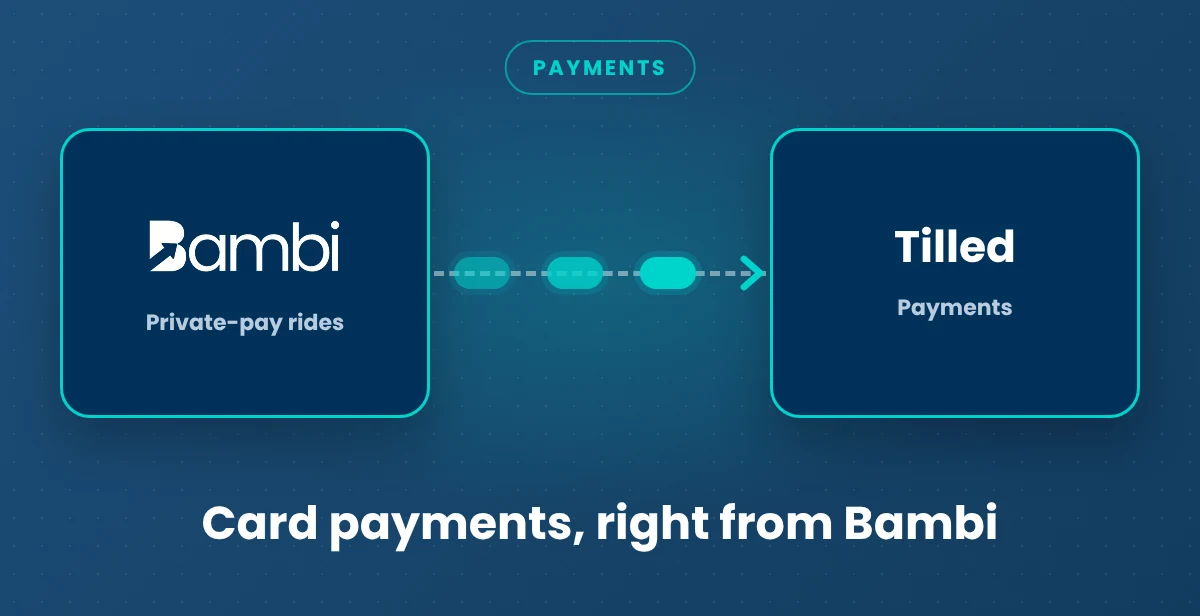
Private-pay riders and facilities shouldn't need a checkbook and a stamp to pay you, and you shouldn't need a second payments dashboard. With Tilled inside Bambi, payments happen right on the invoice.
How it works
- Open Settings, click the Payments tab, and start the Tilled merchant application. It takes about 15 minutes, and approval usually arrives by email within a couple of hours, though extra verification can take longer.

- Click Pay on any unpaid invoice to charge a card. The amount fills in automatically, and you can adjust it for a partial payment.
- Or choose Payment Link and email it. The customer pays securely in their browser, and you can attach the invoice PDF to the email.
- Refund all or part of a charge from the invoice, back to the original card.
What comes through
- Card charges, payment links and refunds: Live. All from the invoice in Get Paid.
- Payouts: Live. Track deposits in the Payouts tab.
Related: Card Payments and Payment Links · Get Paid billing · NEMT billing guide · All Bambi integrations