No inspection, no first trip. You set the rule.
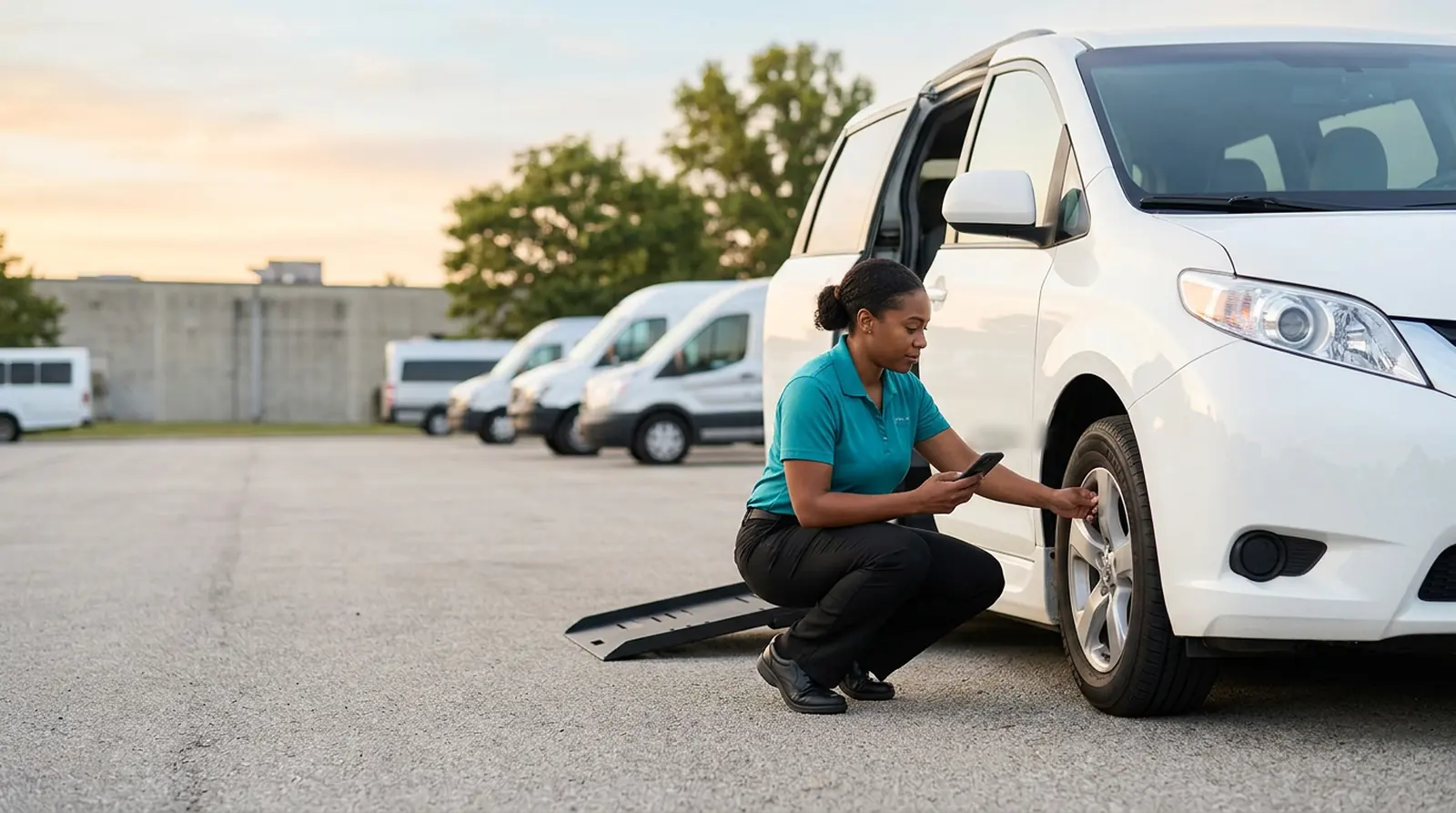
Paper inspection sheets get pencil-whipped in the parking lot and lost by Friday. With Bambi, you can require drivers to complete a Vehicle Assessment in the Driver App before their first trip, after their last, or both. Each one is driver-signed and lands in Fleet HQ, where you filter by driver and download it.
Every feature in this part of Bambi
Two checkboxes. Zero clipboards.
Set the rule
In Organization Settings, the Vehicle Inspections section has two checkboxes: Require inspection before assignment and Require inspection after the assignment. Pick one or both.
Driver starts the shift
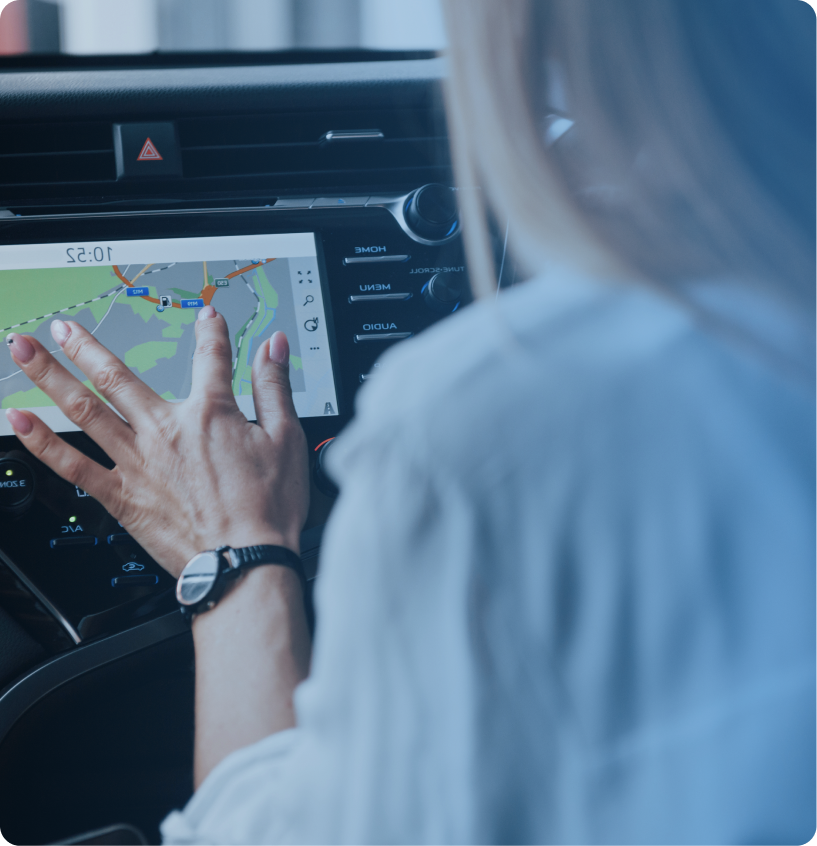
The driver taps Start Shift on the Driver App dashboard, allows location access when prompted, and confirms the vehicle they're taking out for the day.
Complete the assessment
The Vehicle Assessment walks the driver through the safety checklist, the odometer reading, the fuel level, and notes on any issues, then a driver signature confirms it.
Review in Fleet HQ
Submitted inspections show up under Fleet in the Inspections sub-menu. Filter by driver and download them when a broker, insurer, or auditor asks to see them.
What's inside Vehicle Inspections.
Signed Vehicle Assessments from the Driver App, filed in Fleet HQ the moment a driver submits one.
Check Require inspection before assignment and drivers complete the Vehicle Assessment before they can start taking trips.
Check Require inspection before assignment and drivers complete the Vehicle Assessment before they can start taking trips.
After assignment rule
Check Require inspection after the assignment to add an end-of-shift assessment once the last trip is done.
Checklist on the phone
The safety checklist lives in the Driver App, so it can't blow off the dashboard or disappear under a seat.
Odometer and fuel level
Each assessment records the odometer reading and fuel level along with any issues the driver notes.
Signed by the driver
The driver signs to confirm the assessment and clock in, putting their name on every inspection record.
Inspection reports
Find every submitted inspection in the Inspections tab in Fleet HQ, filter by driver, and download them.
"Bambi gives us real-time visibility into every ride and keeps dispatch and drivers in sync. We stay on top of changes, adjust fast, and avoid delays. In a business where timing matters, that clarity makes a real difference."


Frequently Asked Questions
Ready to Run with Bambi?