The job it replaces
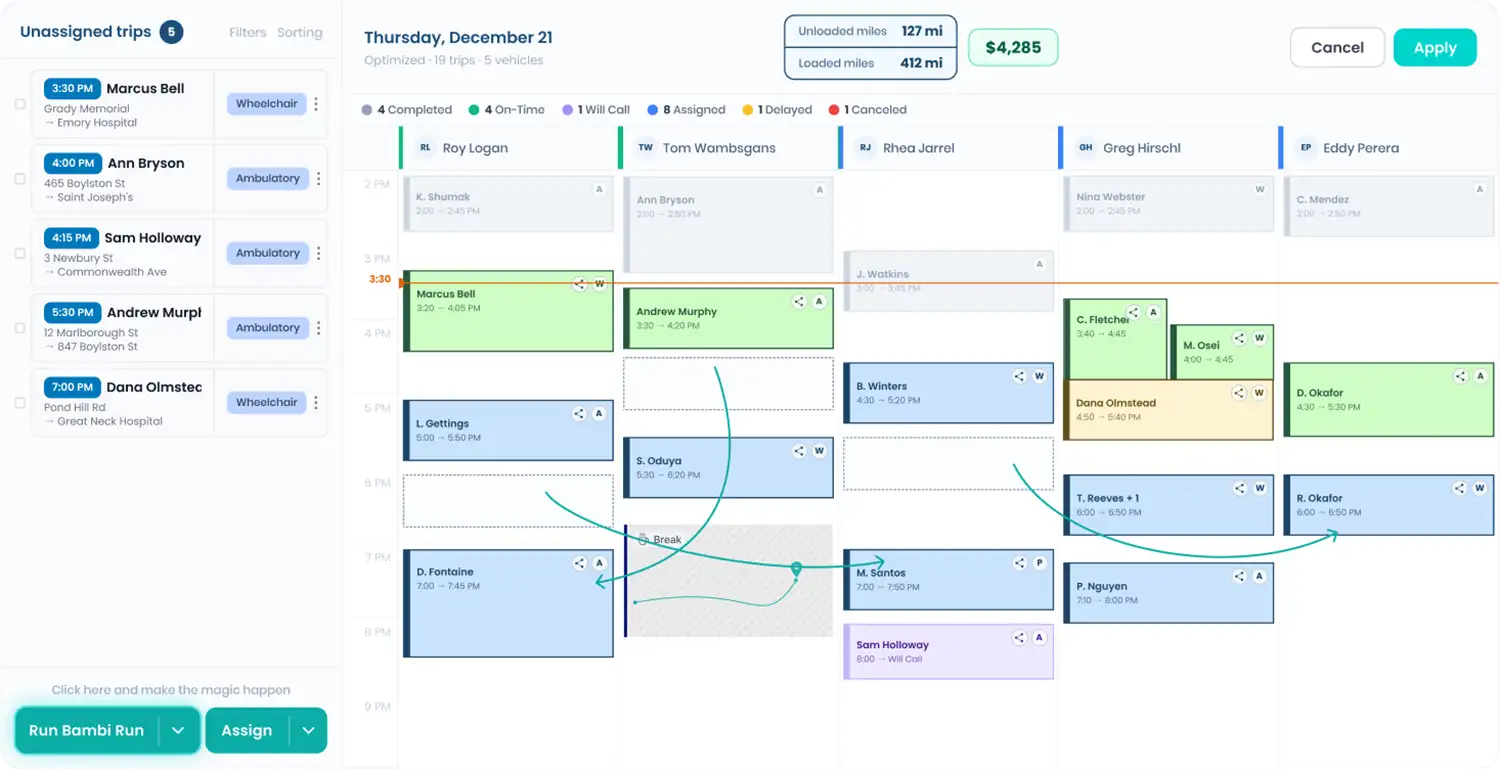
MTM providers know the routine: log into MTM Link, work through the trip list, retype every trip into dispatch, and check back for changes. With Bambi connected to MTM, the retyping goes away. Trips arrive with passenger details attached, and overnight and intraday syncs catch anything that changed.
What syncs
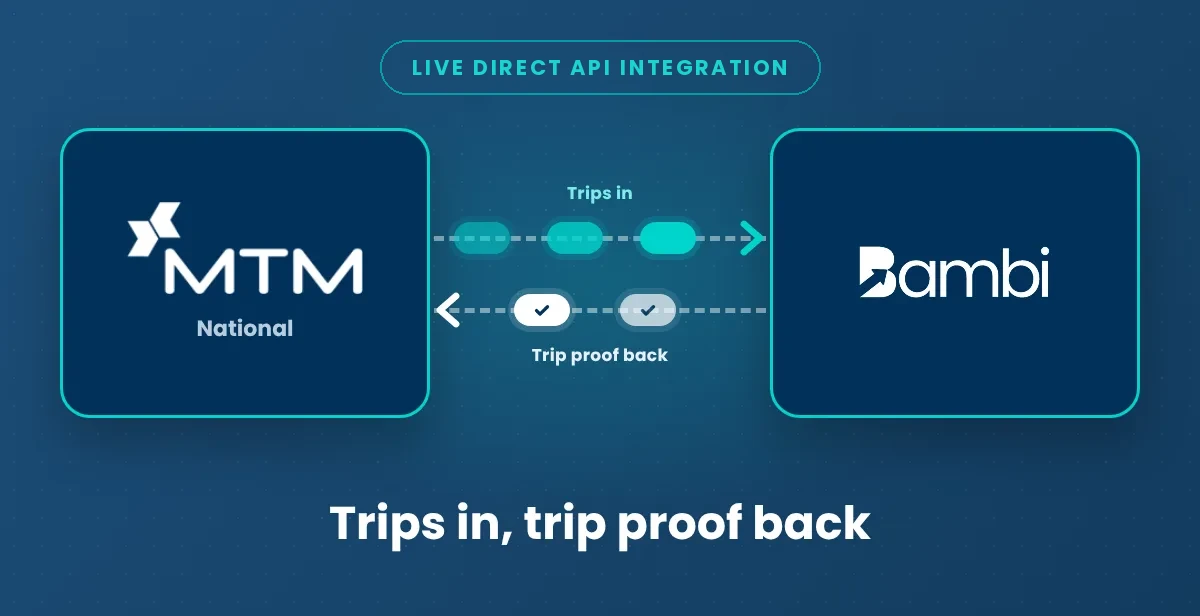
- Trip assignments (MTM to Bambi): Live. Pushed by MTM, with overnight and intraday syncs as a failsafe.
- Trip updates and changes (MTM to Bambi): Live. Synced several times through the day.
- Passenger details (MTM to Bambi): Live. Passenger ID and name, plus date of birth and phone numbers when MTM sends them.
- Pickup and drop-off GPS coordinates (MTM to Bambi): Live. Exact locations, not just addresses.
- Cancellations (Bambi to MTM): Live. Sent using MTM's defined cancellation reasons.
- Trip completion data (Bambi to MTM): Live. Completion data, GPS and timestamps update in the MTM portal as trips are completed. Nothing to submit by hand. A few fields, such as scheduled drop-off, aren't supported on MTM's side.
- Export file (fallback): Live. A dedicated MTM export file, plus an MTM CSV import template.
What still happens in MTM Link
Credentialing, contracting, and rate-setting stay between you and MTM. MTM decides which cancellation reasons it accepts, and a few completion fields aren't supported by MTM's system. We walk you through exactly which ones during onboarding, so there are no surprises.
Turning it on
Have your 4-digit MTM vendor code handy and tell your Bambi onboarding team. We send the integration request to MTM, and MTM usually enables its side within a few days. There's no extra cost and no extra software.
If trips ever stop arriving, email support@bambi.health and our support team will check the connection.
MTM facts for providers
MTM (Medical Transportation Management) is a national NEMT broker, and its provider platform is MTM Link. If "MTM login" is part of your dispatcher's morning routine, this integration is the upgrade.
Running Access2Care trips? MTM acquired Access2Care's NEMT business in 2024, so those trips now come through this same MTM integration. No separate import needed.
Related: Broker Trip Import · Dispatch · MTM broker guide · All Bambi integrations