The job it replaces
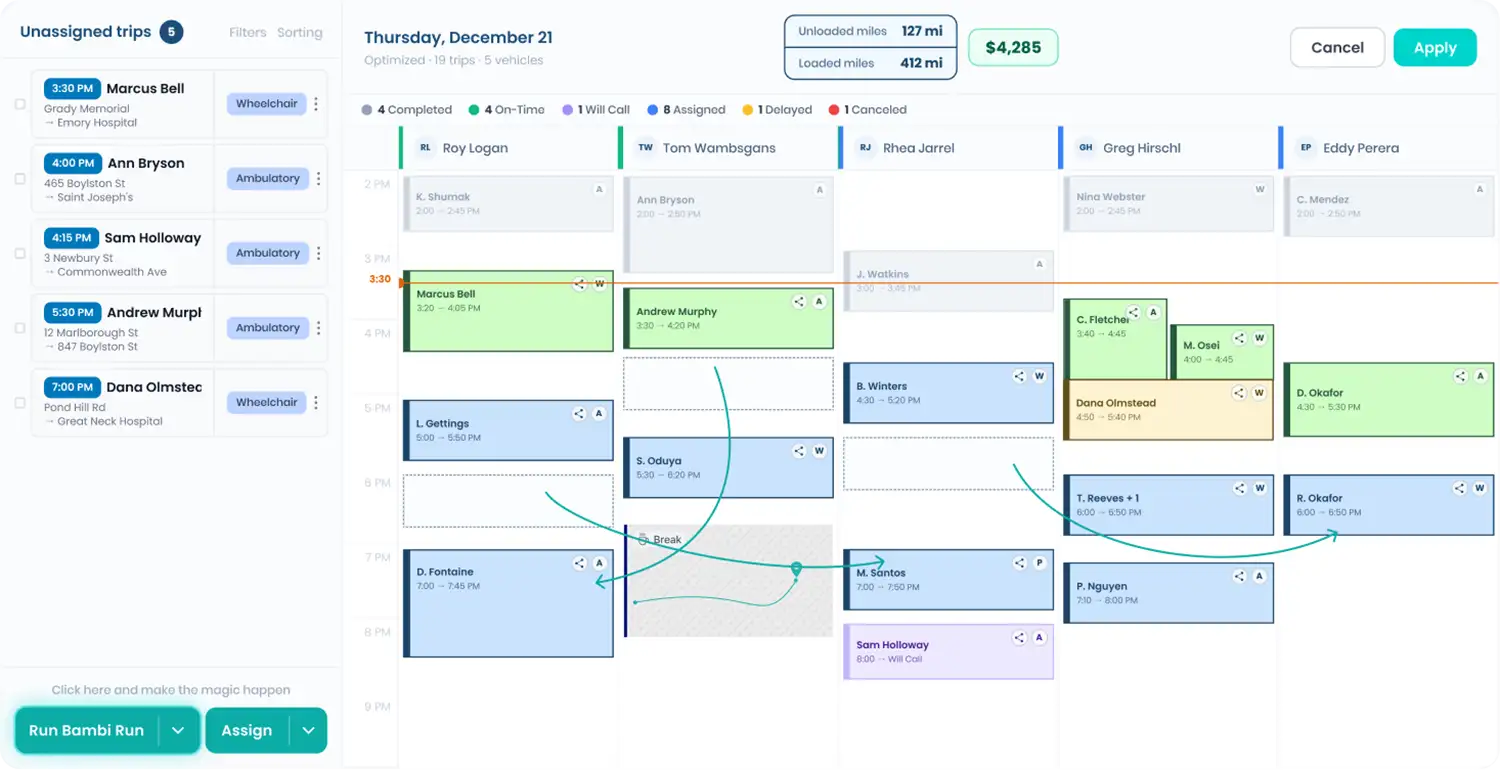
Without a connection, Provide A Ride trips mean logging into the portal, pulling the trip list and retyping every trip into dispatch: rider, pickup, drop-off, appointment time, mobility needs. Then checking back for changes. Every retyped field is a chance at a missed pickup. With Bambi connected to Provide A Ride, assignments land on the same board as every other trip you run.
What comes through
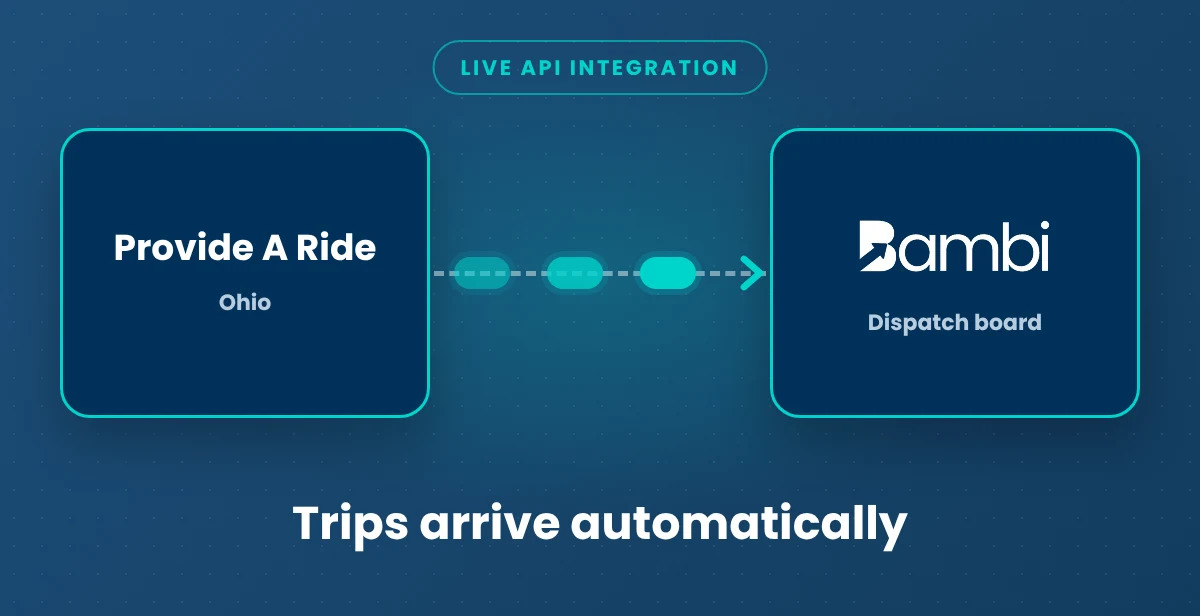

- Trip assignments (Provide A Ride to Bambi): Live. Trips Provide A Ride assigns to you arrive on your Bambi dispatch board automatically, ready to assign to a driver.
- Everything else: trip changes, rider fields and anything sent back to Provide A Ride vary by broker. Your onboarding team walks you through exactly what moves in each direction before you go live, so nothing surprises you on billing day.
What still happens with Provide A Ride
Vendor enrollment, credentialing and rates stay between you and Provide A Ride.
Turning it on
Contact Provide A Ride to enable the Bambi integration, then tell your Bambi team. Once they switch on their side, trips start flowing. No cost to you.
If trips ever stop arriving, email support@bambi.health and our support team will check the connection.
Provide A Ride facts for providers
Provide A Ride has coordinated non-emergency medical transportation across Ohio since 1989, for Medicaid and Medicare managed care plans, transit, social services and student transportation. It reports more than 1.8 million covered lives and more than 2 million trips a year, and is NEMTAC accredited. New vendors apply through Provide A Ride's Become a Vendor page.
Related: Broker Trip Import · Dispatch · Get Paid billing · MTM integration · Provide A Ride broker guide · All Bambi integrations