Optimize Your NEMT Fleet with a Vehicle Capacity Planner
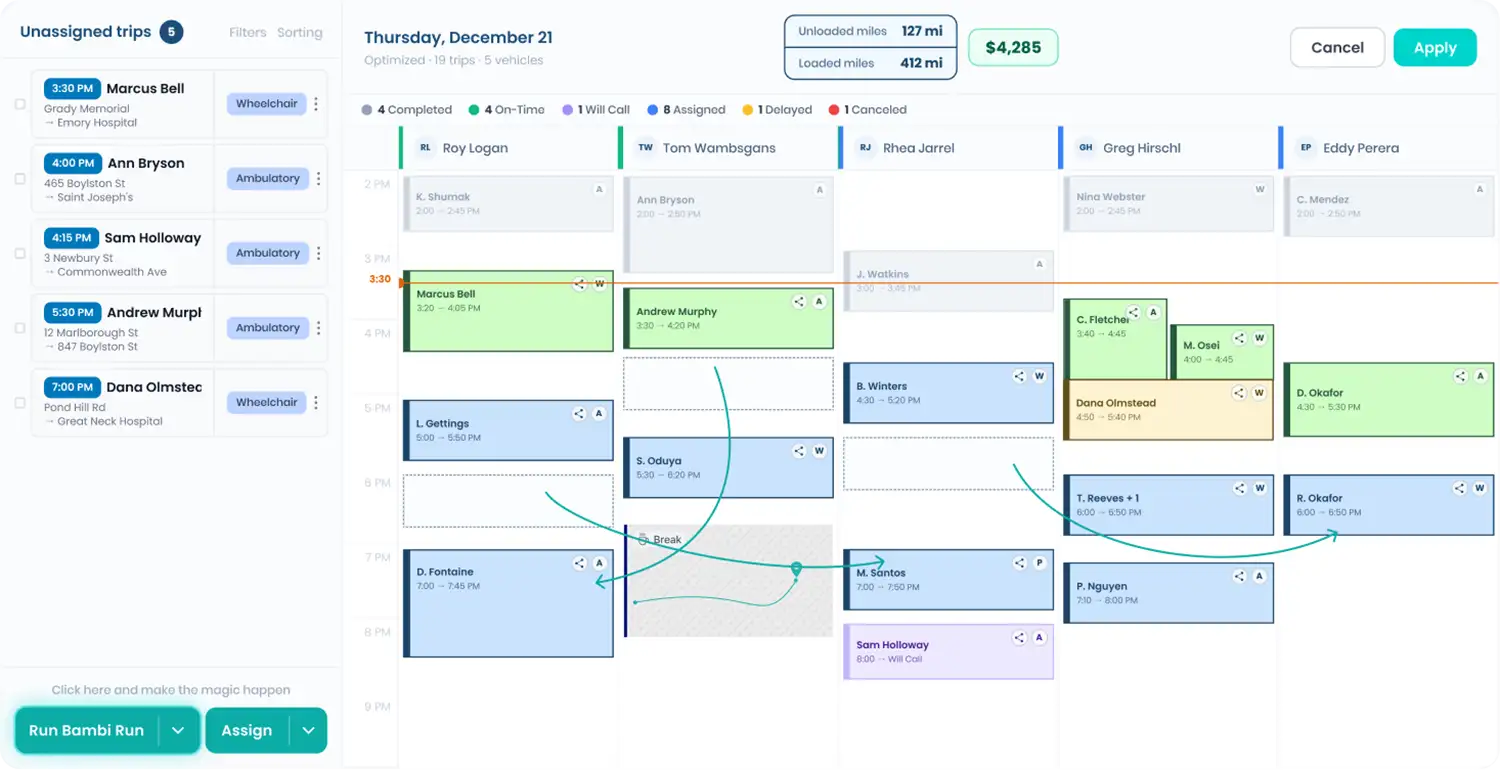
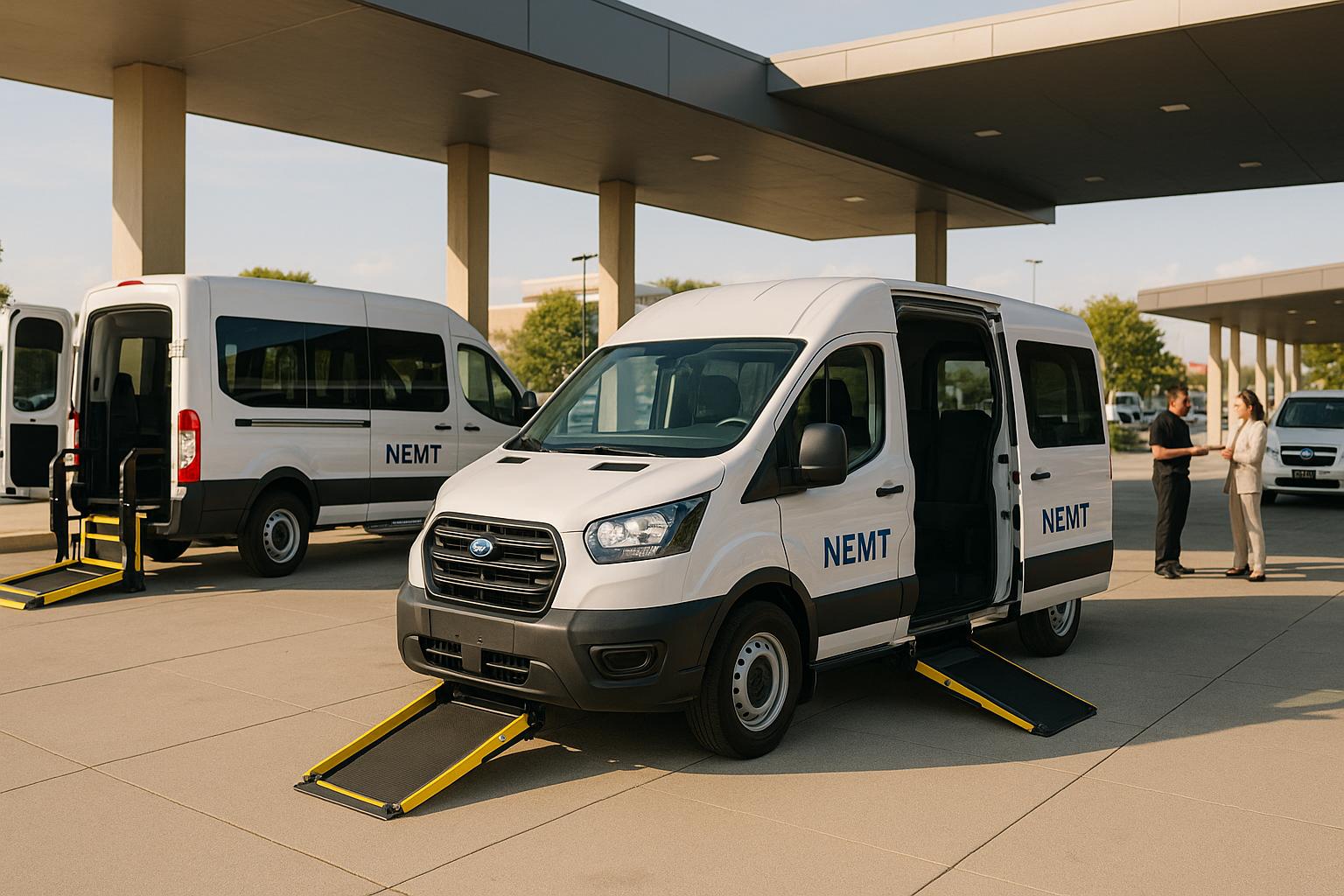
Running a non-emergency medical transportation (NEMT) service comes with unique challenges. Matching the right vehicle to a client’s needs—whether they require space for wheelchairs, stretchers, or just a few extra passengers—can make or break your day. That’s where a smart planning tool steps in to simplify fleet management for NEMT operators. With just a few clicks, you can ensure every trip is efficient and every client is accommodated.
Why Capacity Planning Matters
Overloading a van or underutilizing space costs time and money. A well-designed calculator helps you input specific details, like the type of mobility aids and passenger count, to determine the best vehicle for the job. This isn’t just about fitting everyone in; it’s about optimizing routes, reducing fuel costs, and keeping your clients satisfied with reliable service. Plus, having a backup suggestion for a larger ride when needed means you’re never caught off guard.
A Tool for Every NEMT Business
Whether you’re a small operation or managing a larger fleet, streamlining how you assign vehicles can transform your workflow. Embrace technology to handle the logistics, so you can focus on what matters—delivering safe, timely transport for those who need it most.
FAQs
How does the tool account for mobility aids in capacity planning?
Great question! We’ve built in logic to treat mobility aids like wheelchairs as taking up the space of two regular seats, since they need extra room for securing and maneuverability. Stretchers take even more space, equivalent to three seats. When you input the type and number of aids, the tool adjusts the capacity calculation automatically to reflect the real-world space they occupy in a vehicle.
What happens if I enter invalid data, like a negative number of passengers?
No worries—we’ve got you covered. If you accidentally input something like a negative number or an unrealistically high passenger count, the tool will catch it and show a friendly error message. It’ll say something like, ‘Oops, that doesn’t look right. Please enter a valid number between 1 and 20 passengers.’ This way, you can quickly fix the input and get back to planning.
Can this tool help with last-minute scheduling changes?
Absolutely, that’s one of its best uses! If a client’s needs change at the last second—say, they now need a wheelchair van instead of a standard one—you can plug in the updated details and get an instant read on whether your available vehicle still works. If not, it’ll suggest an alternative. It’s all about making those quick pivots less stressful for your team.