The job it replaces
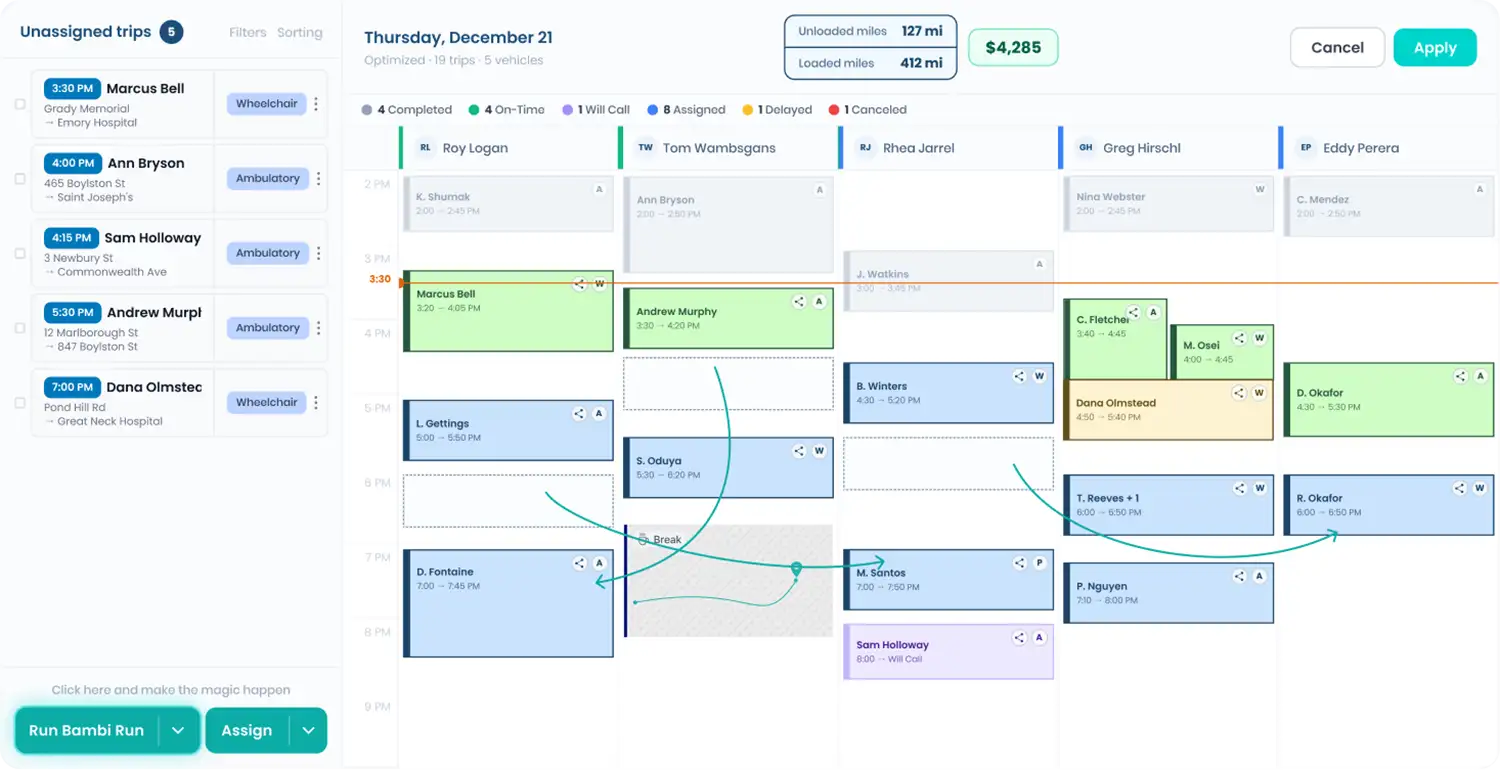
Without a connection, Alivi trips mean logging into the portal, pulling the trip list and retyping every trip into dispatch: rider, pickup, drop-off, appointment time, mobility needs. Then checking back for changes. Every retyped field is a chance at a missed pickup. With Bambi connected to Alivi, assignments land on the same board as every other trip you run.
What comes through
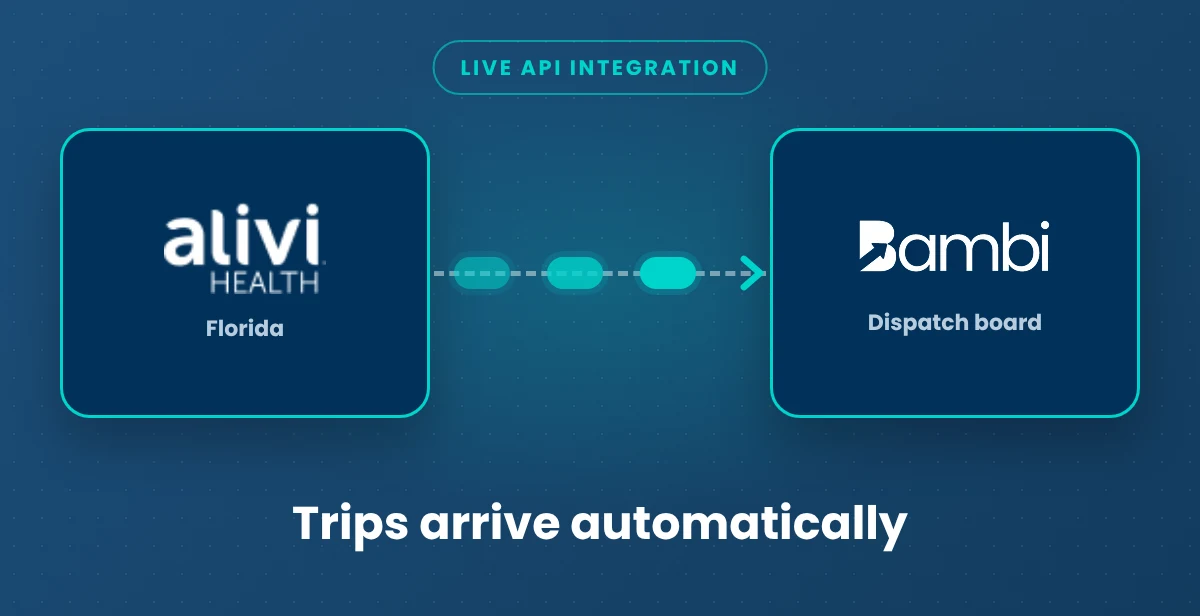

- Trip assignments (Alivi to Bambi): Live. Trips Alivi assigns to you arrive on your Bambi dispatch board automatically, ready to assign to a driver.
- Trip pricing (set in Bambi): Live. Alivi doesn't send prices. Set your rates once and every incoming Alivi trip is priced your way.
- Everything else: trip changes, rider fields and anything sent back to Alivi vary by broker. Your onboarding team walks you through exactly what moves in each direction before you go live, so nothing surprises you on billing day.
What still happens with Alivi
Network enrollment, credentialing and contract terms stay between you and Alivi.
Turning it on
Ask Alivi to turn on the Bambi integration for your organization, then tell your Bambi team you asked. Alivi confirms new activations to us and we switch it on from our side. Alivi processes new activations on a weekly cycle, so plan for up to a week. No cost to you.
If trips ever stop arriving, email support@bambi.health and our support team will check the connection.
Alivi facts for providers
Alivi Health administers supplemental health-plan benefits, including NEMT networks, and is based in Miami, Florida. Bambi and Alivi announced their integration publicly.
Related: Broker Trip Import · Dispatch · Get Paid billing · MTM integration · Alivi broker guide · All Bambi integrations