
The job it replaces
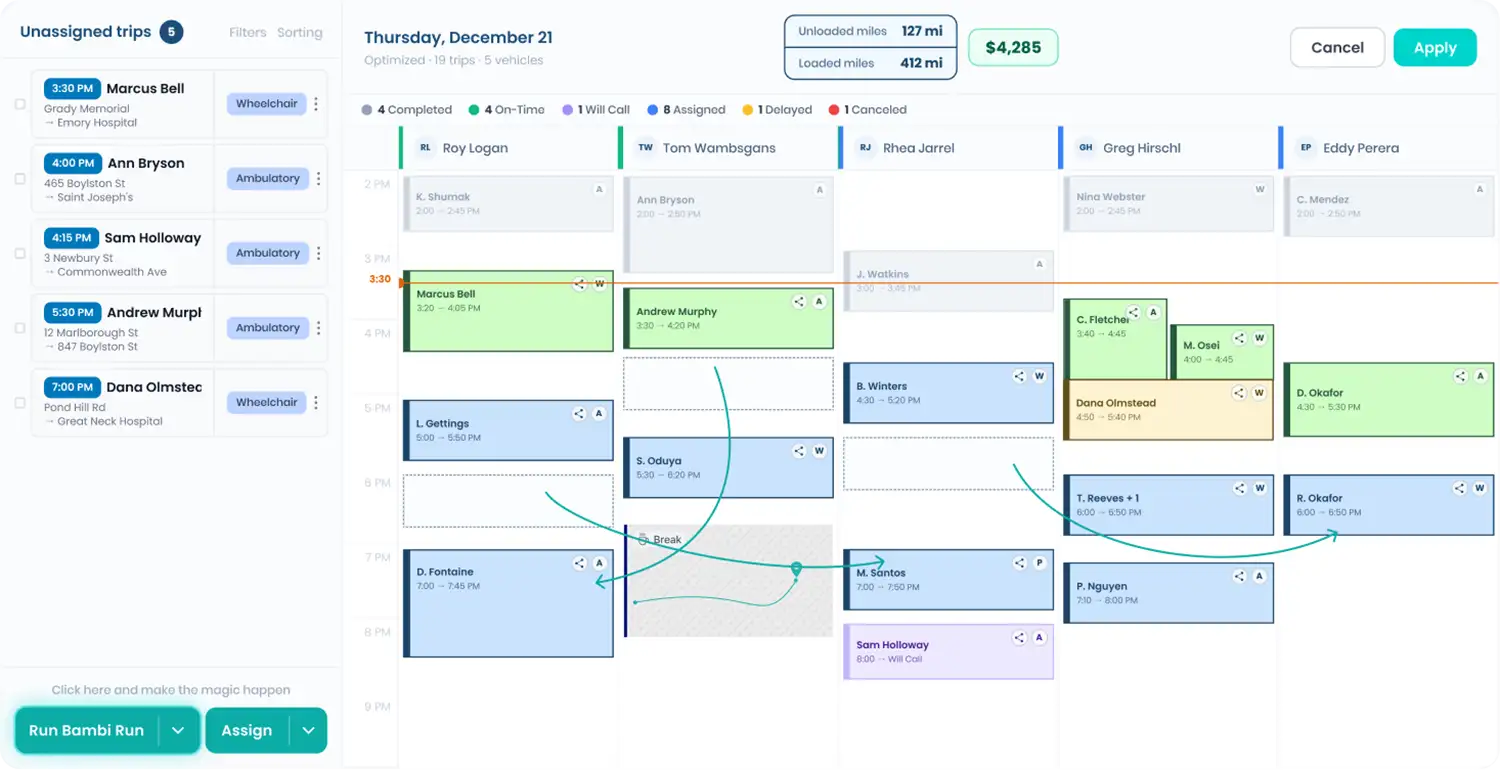
ComfortCare trips usually start as a list in the broker's system. Without a matched import, someone retypes each one into dispatch and hopes the phone numbers and dates come out right. With Bambi, you export the ComfortCare trip file and upload it. Bambi maps every column for you.
How the matched import works
- Export the trip file from ComfortCare.
- In Bambi, go to Trips, click Upload, pick the payer and the template that matches the ComfortCare format, and choose your file.
- Bambi flags formatting problems, like phone numbers and dates, before import and can fix them in one click. Trips that look like ones already on your schedule get a duplicate warning.
- Addresses Bambi can't match exactly get a Review Pickup Address or Review Dropoff Address tag, with the broker's original text in Dispatcher Notes.
What comes through
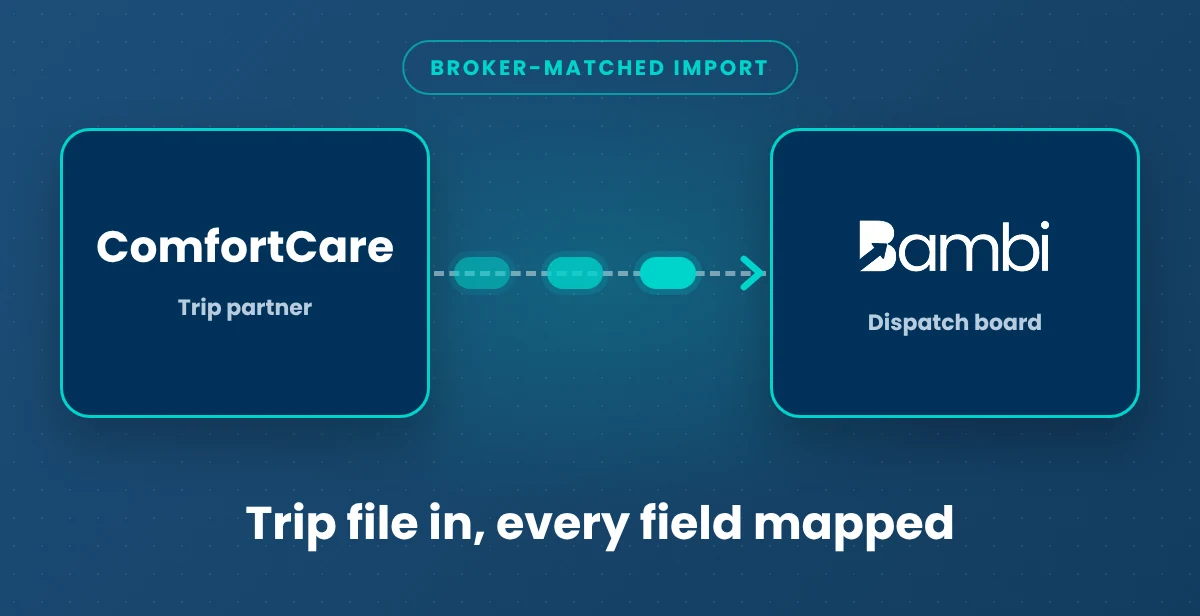
- Trips (ComfortCare file to Bambi): Broker-matched import. Every field in the ComfortCare file maps to the right place in Bambi.
- Formatting fixes and duplicate warnings: Live. Caught before the trips hit your board.
- Completed trips (Bambi to file): CSV export. Export completed trips as a CSV to take back to the broker portal.
- Automatic sync: No. This is a file-based integration, not a live API. Someone on your team still exports the ComfortCare file. We'd rather you hear that here than after you sign.
What still happens with ComfortCare
Pulling the trip file, credentialing, contracting and rates stay with ComfortCare.
Turning it on
Tell your Bambi onboarding team you run ComfortCare trips and Bambi Support turns on the matching import for your account. There's no extra cost.
ComfortCare facts for providers
ComfortCare is one of the transportation networks Bambi customers run trips for. Ask your Bambi onboarding team about the file format your ComfortCare trips come in.
Related: Broker Trip Import · Dispatch · Get Paid billing · MTM integration · NEMT broker guide · All Bambi integrations