The job it replaces
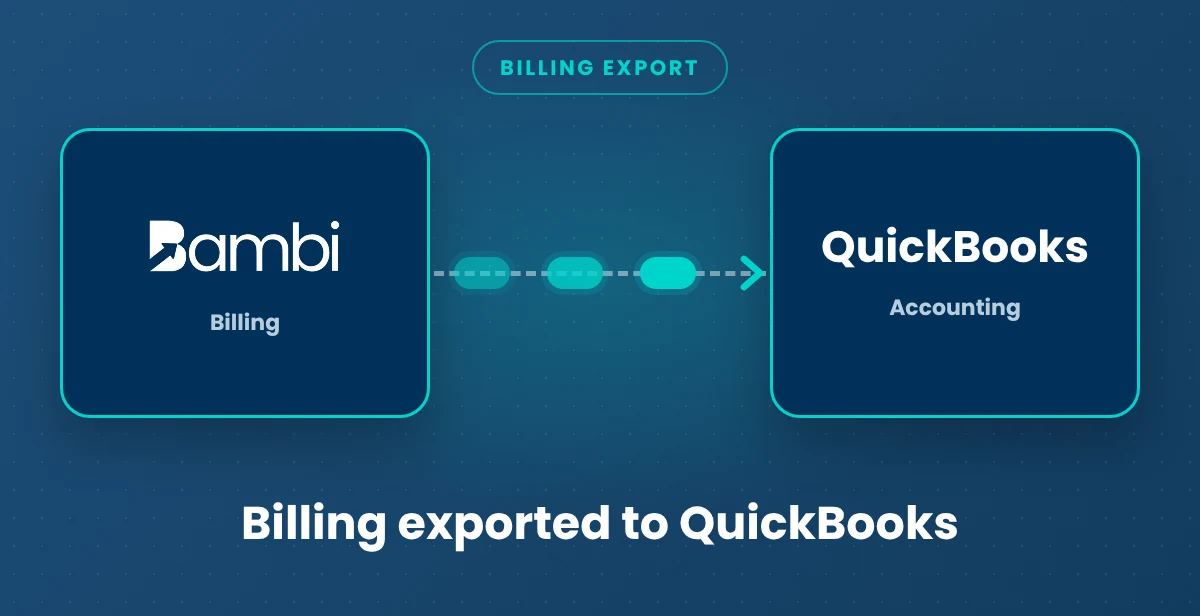
Billing in one system and bookkeeping in another usually means retyping every invoice. Bambi builds invoices from completed trips, then hands your bookkeeper a QuickBooks-ready file.
How it works
- Create invoices in Billing from completed trips, with line items and adjustments already applied.

- Click the download icon on any invoice row, or click Download Invoices, set a date range, pick payers (blank means all) and click Gather Data.
- Choose QuickBooks Report (CSV) as the report type. Need something easier to read? Choose the Condensed Report (PDF).
- Import the CSV into QuickBooks, or hand it to your bookkeeper.
What it is and isn't
- Invoices (Bambi to QuickBooks file): CSV export. What you export matches what you invoiced in Bambi.
- Live sync: No. It's a download, not a live connection, so your books only change when you choose to import.
Related: Get Paid billing · QuickBooks Invoice Export · NEMT Invoicing · NEMT billing guide · All Bambi integrations