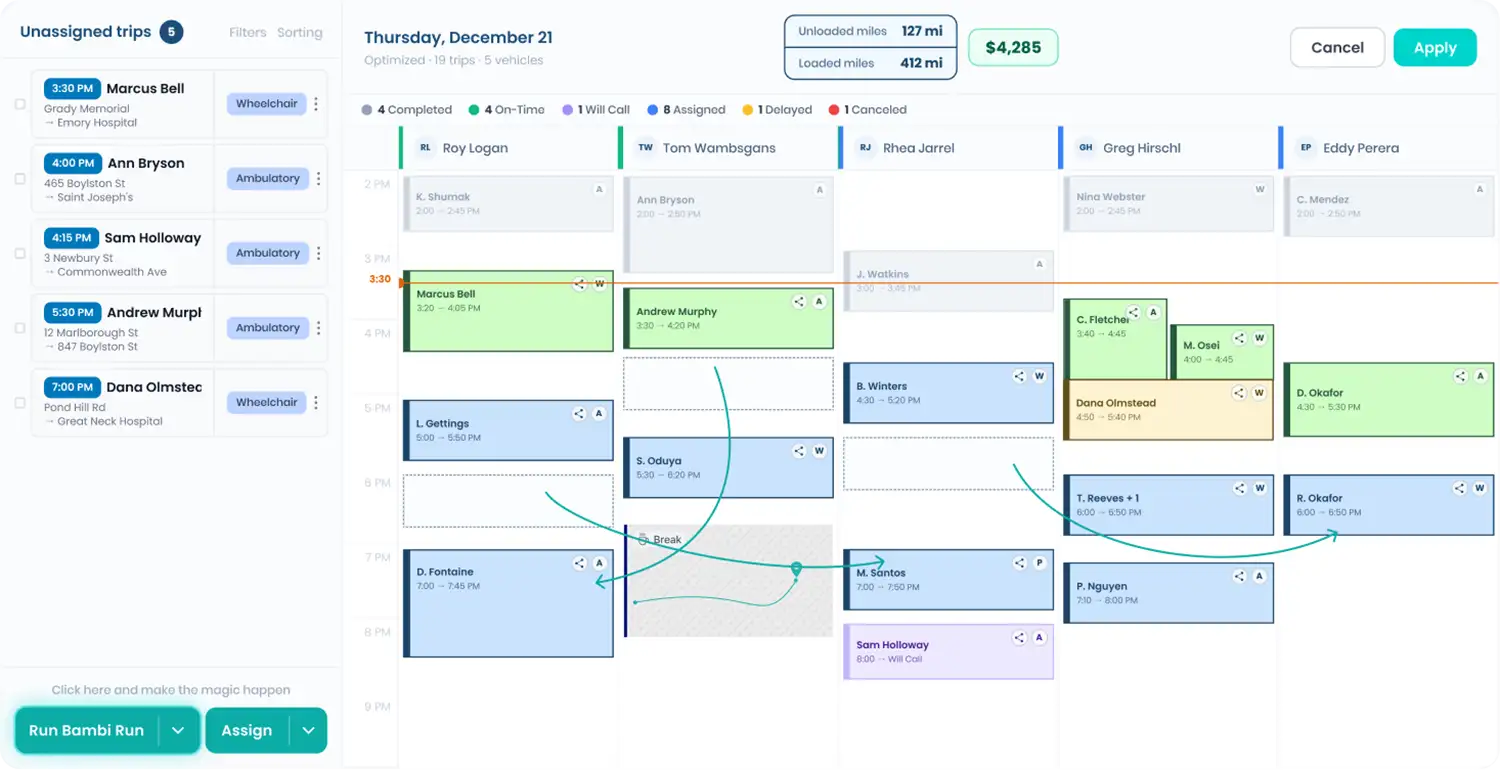

Trips per hour is the number that decides whether a driver makes you money. Put in one shift, or a week, and see what the driver produced, what the hour cost to run, and what one more trip per shift is worth.
NEMT Driver Productivity Analyzer
One driver, one shift or one week. See trips per hour, miles per trip and what the hour earned after wages, fuel and wear.
Adjust assumptions: wage, fuel, loaded miles, fleet average
Where the hour goes
What a small change is worth, per year
Driver wage default: U.S. Bureau of Labor Statistics median for shuttle drivers and chauffeurs, $18.25/hr (May 2025). Fuel default: U.S. EIA weekly retail regular gas price, week of Sep 29, 2026. Maintenance default: AAA Your Driving Costs 2025, 11 cents per mile for maintenance, repair and tires on an average new vehicle. Wheelchair vans usually run higher. There is no honest national benchmark for trips per hour: it depends on trip length, rider mobility and how much empty driving your area forces. Compare drivers against your own fleet average. Estimates for planning only. Your contracts, routes and receipts decide the real number.
FAQ
What is a good trips-per-hour number for an NEMT driver?
There is no honest national benchmark. It depends on trip length, rider mobility and how much empty driving your area forces. Compare each driver with your own fleet average, which this tool asks for.
Why is revenue per hour more useful than trips per hour?
Because a driver doing fewer, longer, better-paying trips can earn more per hour than one doing many short ones. Revenue per hour, minus what the hour costs to run, is the number that pays the bills.
What usually drags a driver's numbers down?
Gaps between trips and empty miles, more often than slow driving. Both are dispatch problems: trips ordered badly, or a driver sent across town for one pickup.
Estimates for planning only. Bambi does not provide financial, legal or insurance advice.