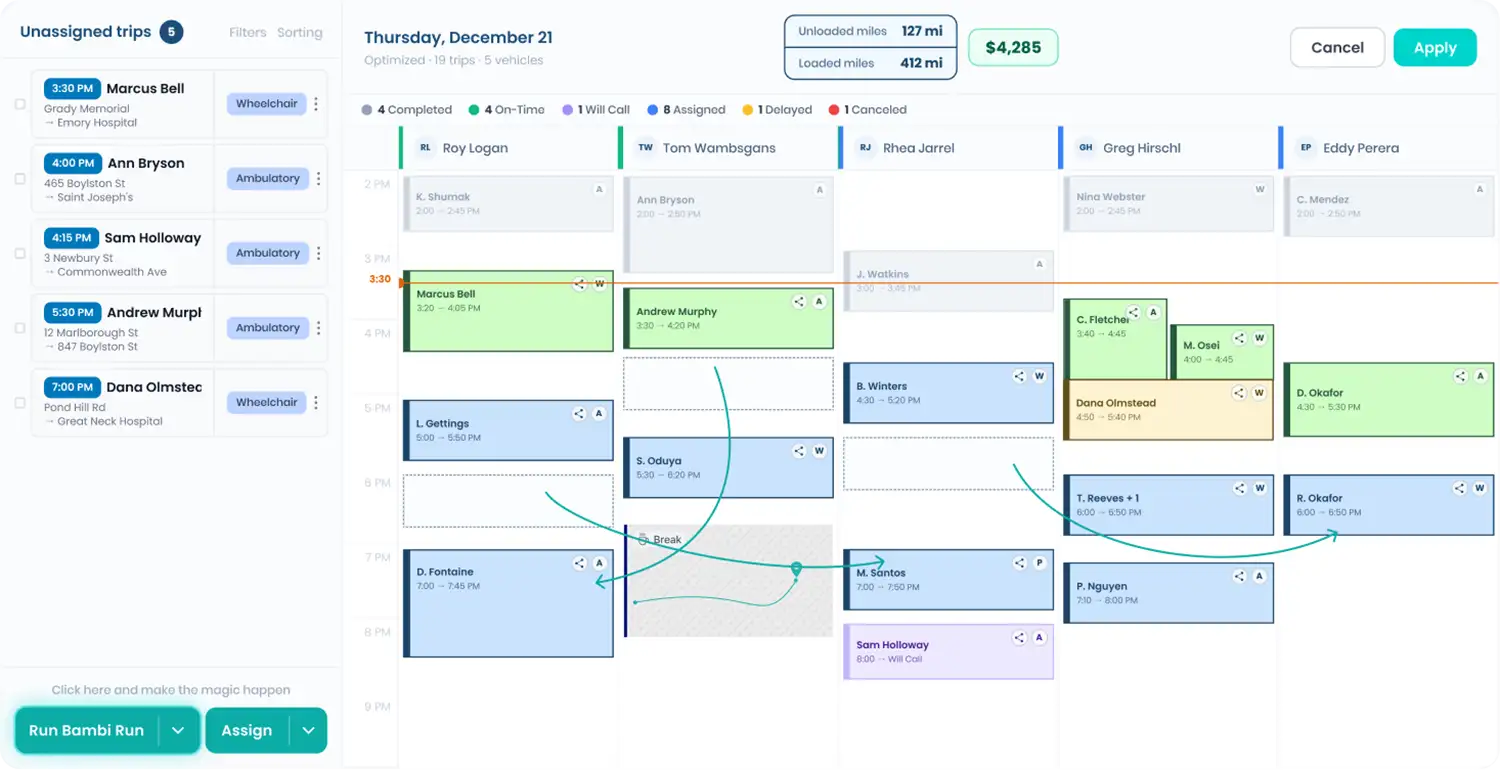
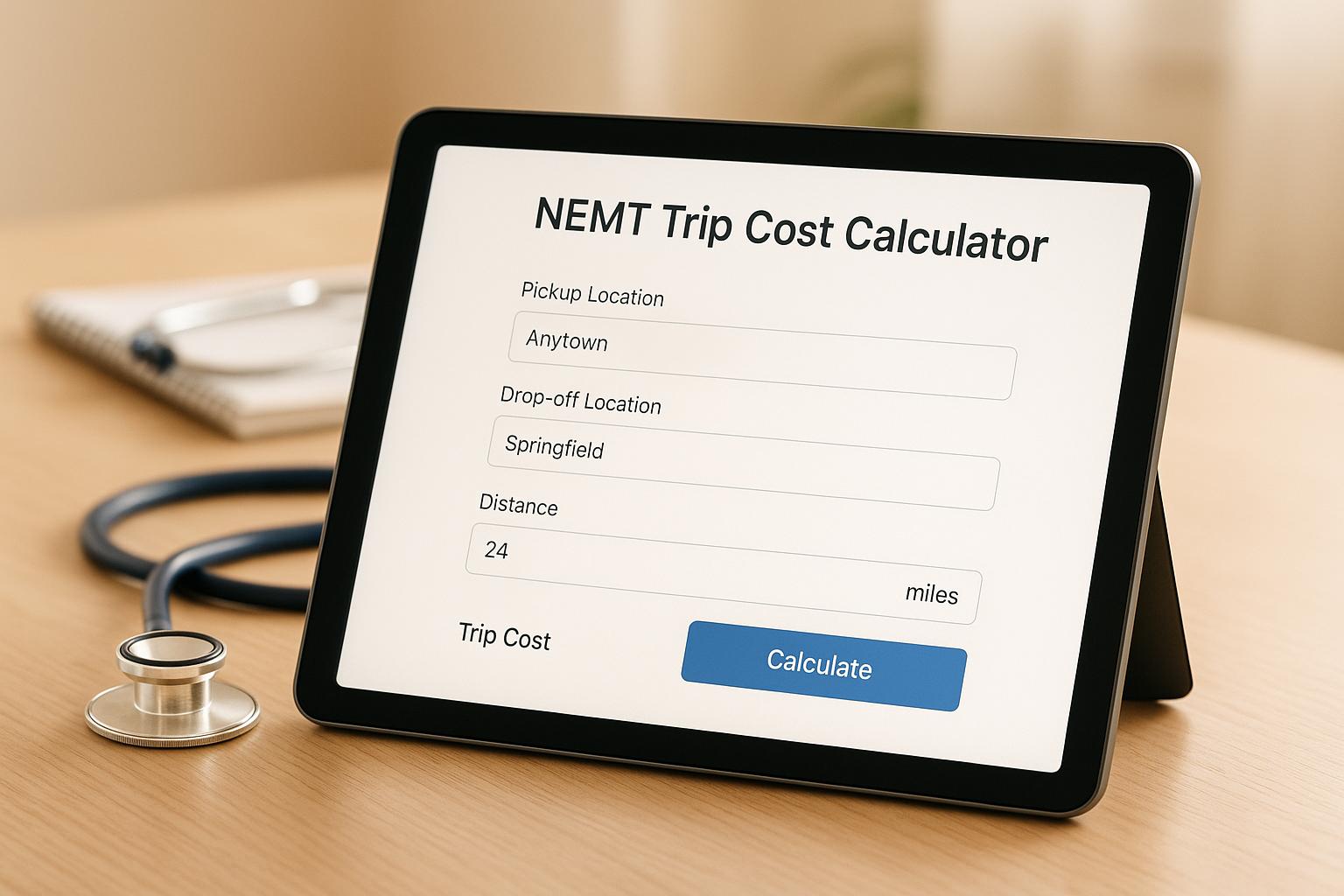
Most NEMT owners know what a trip pays. Fewer know what it costs. Put in one typical trip and see the real number, including the empty miles to the pickup and the time your driver spends waiting.
NEMT Trip Cost Calculator
What one trip really costs you to run, empty miles and wait time included. Start with the trip, then check the defaults.
Adjust assumptions: wage, fuel, vehicle costs, overhead
Where the money goes
Where you can win it back
Driver wage default: U.S. Bureau of Labor Statistics median for shuttle drivers and chauffeurs, $18.25/hr (May 2025). Fuel default: U.S. EIA weekly retail regular gas price, week of Sep 29, 2026. Maintenance default: AAA Your Driving Costs 2025, 11 cents per mile for maintenance, repair and tires on an average new vehicle. Wheelchair vans usually run higher. For comparison, the IRS business mileage rate is 76 cents per mile for July to December 2026. Estimates for planning only. Your contracts, routes and receipts decide the real number.
How the math works
Driver time (minutes times wage plus payroll taxes) + fuel (all miles divided by MPG times price) + wear (all miles times cents per mile) + your vehicle payment and insurance spread across the month's trips + overhead.
FAQ
What does an NEMT trip cost to run?
It depends mostly on driver time and empty miles. At the defaults (10 loaded miles, 6 empty, 50 minutes, $18.25/hr), a trip costs about $36 to run.
Why include empty miles?
You pay for fuel and wear on every mile, but brokers pay only loaded miles. On many fleets empty miles are a big share of the total, so leaving them out understates cost.
What is a good margin per trip?
There is no standard. Use the profit margin analyzer to see whether your per-trip margin covers your fixed costs.
Estimates for planning only. Bambi does not provide financial, legal or insurance advice.