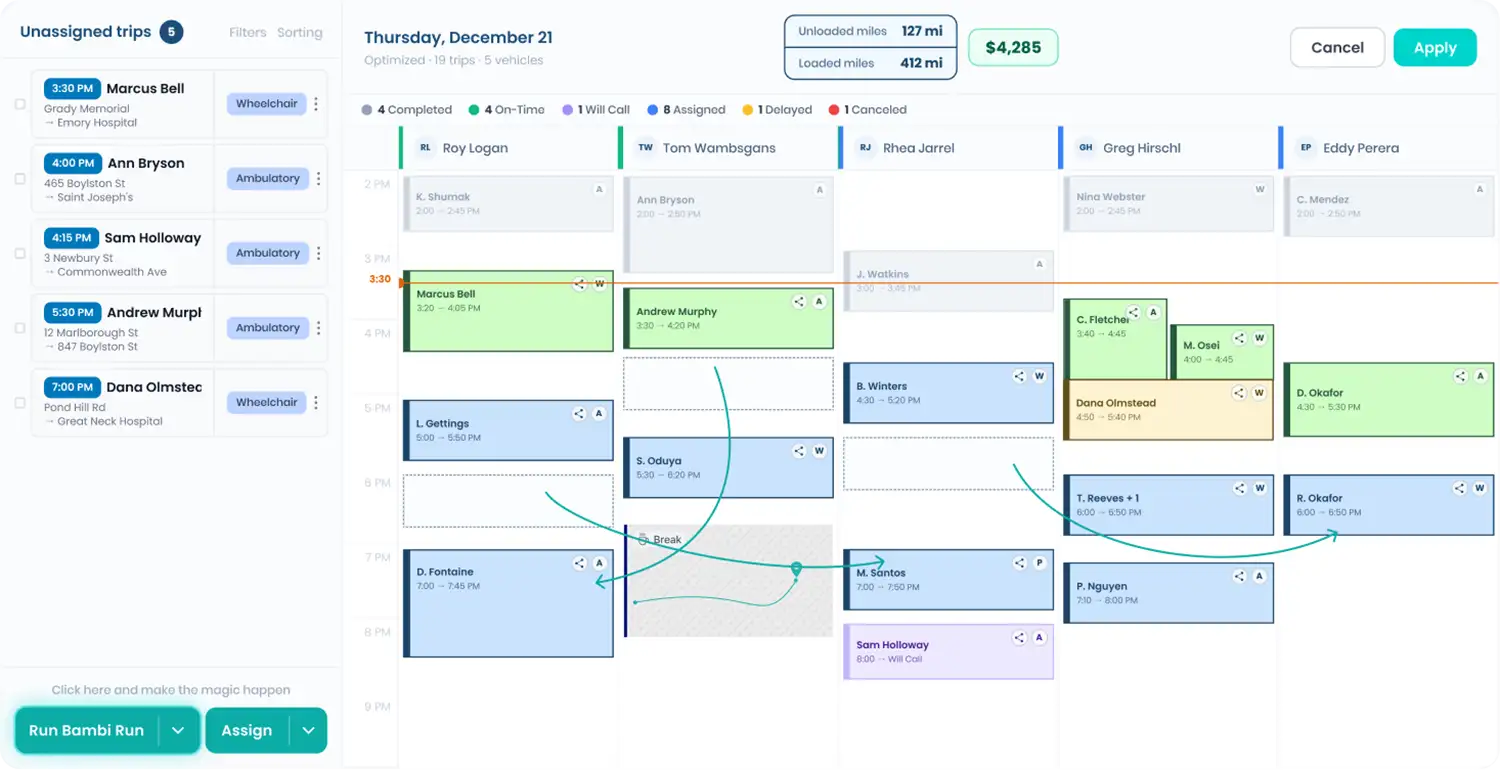
Type a name. That trip lights up. The rest dims.
A packed dispatch board is great for business and terrible when a facility calls for the third time about one trip. In Fleet HQ, type part of the passenger's name, click the match, and the calendar jumps to it while every other trip fades. Filters tell you exactly how many trips they're hiding.

Every feature in this part of Bambi
Search, highlight, read, filter.
Type a name
Click Search assigned trips above the calendar and type any part of a passenger name. Results show up after a few characters, grouped by date, with pickup and dropoff addresses and times so you can tell similar trips apart.

Jump to the trip
Click a result and the calendar jumps to that trip and highlights it. Every other trip on the board dims, so the one you need is the only thing in full color. Click the X in the search box and the whole board comes back.
Read the detail card
Select a trip and a card opens beside it with the passenger, space type (like Wheelchair), phone, status, payer, and full pickup and dropoff times and addresses. The three-dot menu at the top right of the card holds the trip actions.
Filter the board
Filter by drivers, statuses, payers, space types, tags, and more. Once you click Apply Filters, the Filters button gets a green outline and a count, and the unassigned side reads "Showing 2 of 5 unassigned trips" so nothing hides quietly.
What's inside Dispatch Calendar Search.
Every tool for finding the right trip on a busy morning, built into Fleet HQ.
Search assigned trips by any part of a passenger name, with matches grouped by date and full pickup and dropoff details.
Search assigned trips by any part of a passenger name, with matches grouped by date and full pickup and dropoff details.
Highlight on the calendar
Pick a search result and the board jumps to that trip and dims everything else, so you spot it instantly.
Trip detail card
Passenger, space type, phone, status, payer, and pickup and dropoff details in a card right beside the trip, with actions in its three-dot menu.
Hover for trip details
Flip on one calendar setting and a trip's details card opens the moment your cursor lands on it. Each dispatcher picks their own.
Queue and board filters
The unassigned queue filters by county, zip code, price, and trip category. The board filters by driver, status, and vehicle or driver tags.
Filters you can't miss
Active filters show a green badge, a count, and removable chips, so a filtered board never tricks you into taking an early lunch.
"Bambi gives us real-time visibility into every ride and keeps dispatch and drivers in sync. We stay on top of changes, adjust fast, and avoid delays. In a business where timing matters, that clarity makes a real difference."


Frequently Asked Questions
Ready to Run with Bambi?