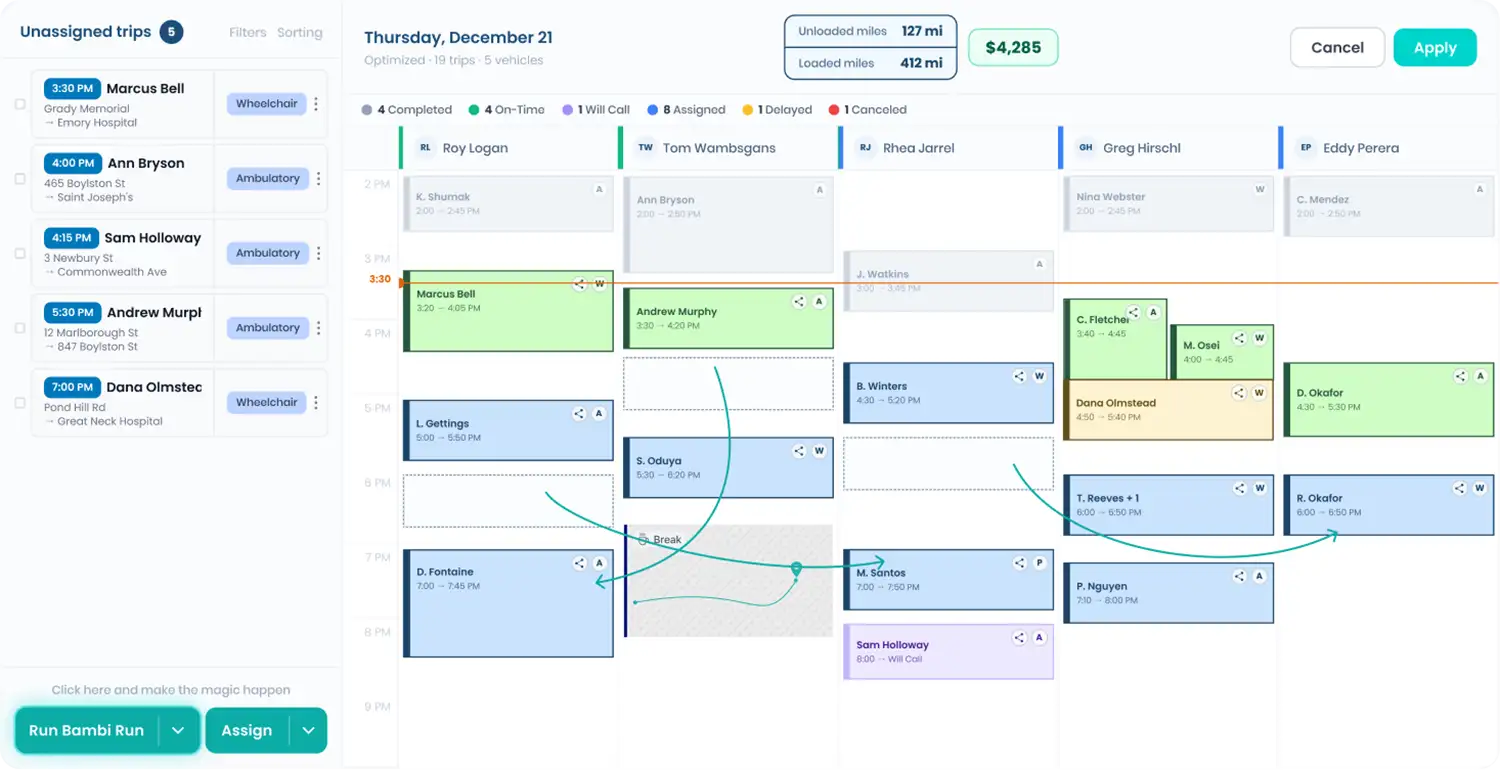
The dash number your payer wants, at the exact stop.
Some payers won't take calculated mileage. They want the number off the dash at specific points in each trip, and nobody wants to decode a driver's handwriting at month-end. Bambi prompts drivers in the Driver App at En Route, At Pickup, or Completed, then puts the readings in your exports and custom reports.
Every feature in this part of Bambi
Three prompts. Turn on the ones you need.
Turn on the prompts
In Settings, enable Odometer Manual Input for En Route, At Pickup, or Completed. Each one is independent, so turn on only what your payer requires and click Save.
Driver enters the reading
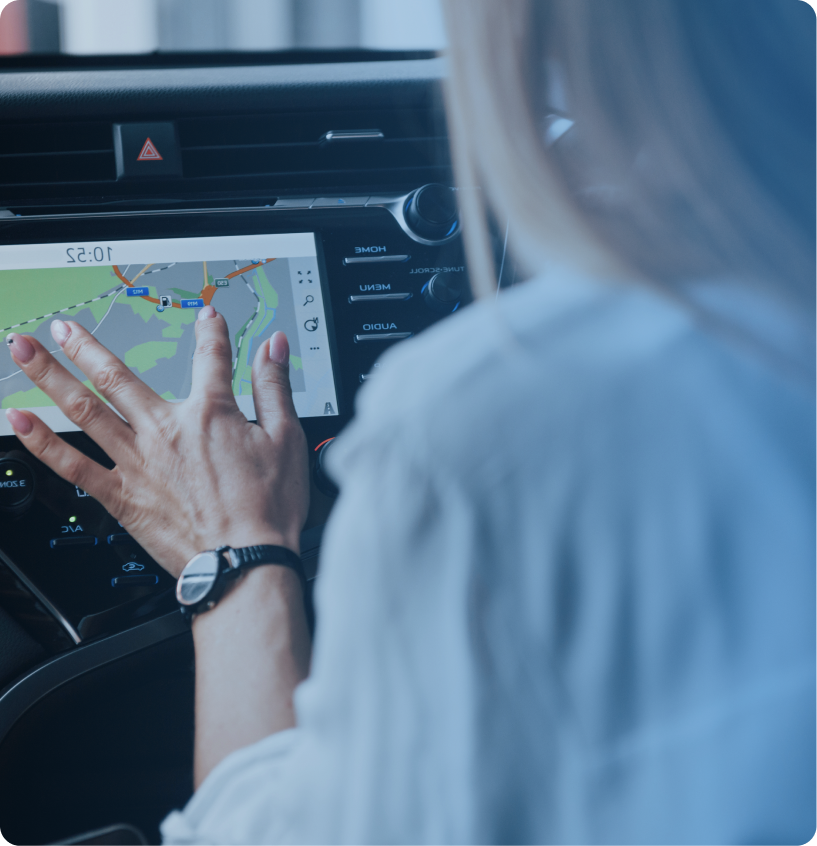
When the driver taps an enabled status, an Odometer prompt opens. They type the reading off the vehicle's odometer and tap Record. No app update to push.
Bambi checks for typos
If a reading is lower than the previous one, the app asks the driver to confirm. They tap Edit to fix a typo, or Record to save it anyway when the earlier number was the mistake.
Pull the numbers
Readings are stored on the trip and show up in Trips CSV exports and as fields in custom trip reports. Build the payer report once, save it, and reuse it every period.
What's inside Odometer Readings.
Manual odometer capture built for payers who want the dash number, not a calculated one.
Ask for odometer readings at En Route, At Pickup, Completed, or any mix, based on what each payer wants.
Ask for odometer readings at En Route, At Pickup, Completed, or any mix, based on what each payer wants.
Trip-level records
Every reading is tied to the trip and its status event, so the figure lines up with the exact stop it came from.
Low-reading check
Drivers confirm before saving a reading lower than the previous one, which catches the classic fat-finger typo.
Custom report fields
Add the en route, at pickup, and completed odometer fields to a saved custom report for a payer-ready file.
CSV export columns
The same odometer columns come out in CSV exports from the Trips page, no side spreadsheet required.
Shift start odometer
The start-of-shift Vehicle Assessment also asks drivers for an odometer reading and fuel level before the first trip.
"Bambi has a lot of features. The dispatch was so easy me and how I assigned the trips for the drivers. I was a driver at a different NEMT company and when I downloaded the Bambi Driver App I found it was easier than the other software."
.png)
Frequently Asked Questions
Ready to Run with Bambi?